See any room in a new style, from one photo
Snap a room or outdoor space, pick a look like Scandinavian or industrial, and preview photorealistic AI redesigns.
- One phone photo
- Indoors and outdoors
- Private by default
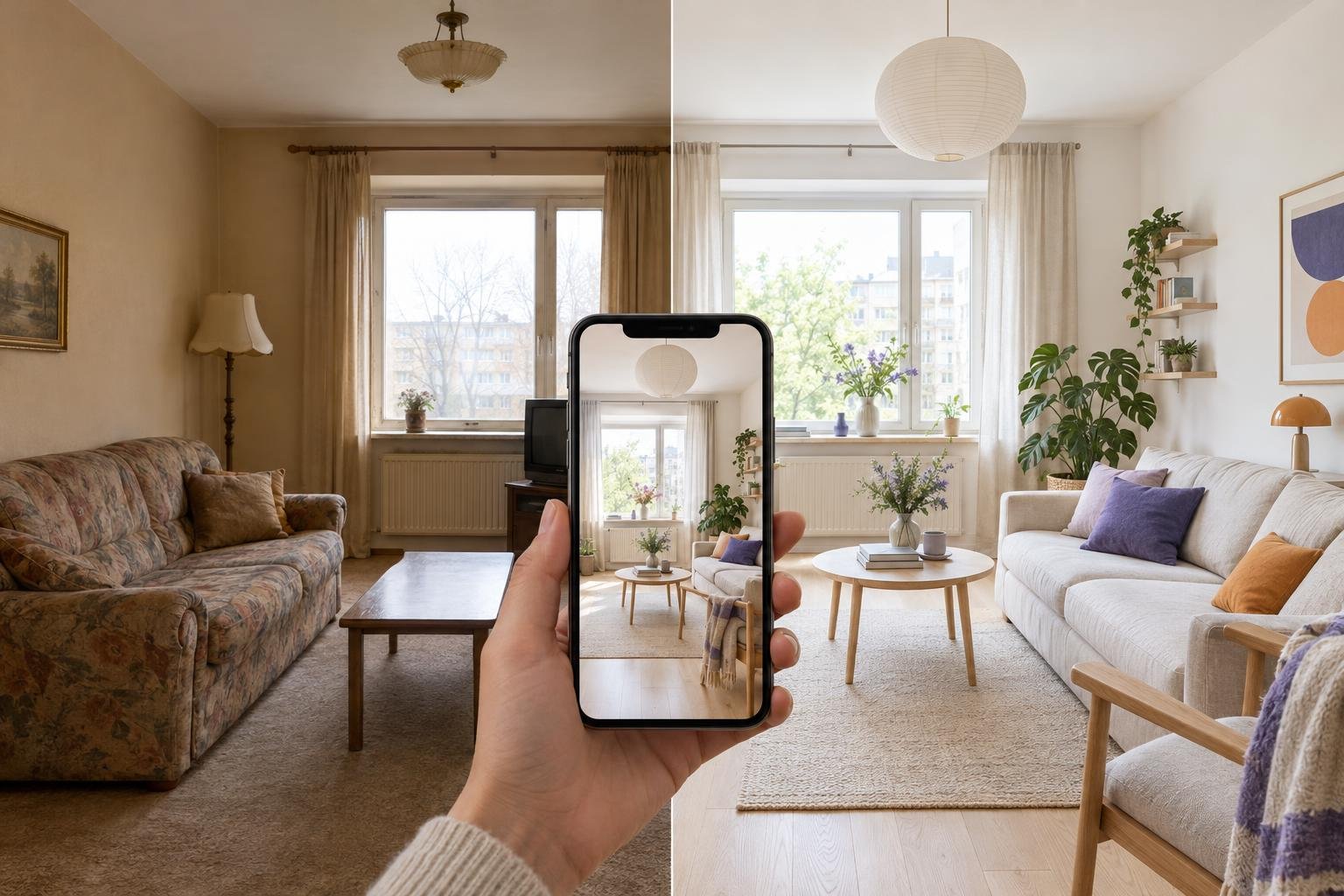
How do you redesign a room from a photo?
Roomwisp turns one photo of your space into AI redesigns in three simple steps, right on your iPhone.
Capture any space
Photograph a room or outdoor area, or pick a photo from your gallery.
Choose a style
Pick from curated design styles that match your vision, from modern and minimalist to Scandinavian and industrial.
AI transformation
See your space redesigned with photorealistic AI visualizations.
What does your room look like in a different style?
Roomwisp aims to preserve your room's layout and camera angle while restyling it in the look you pick, so you can compare ideas before you decorate. AI results can change details.
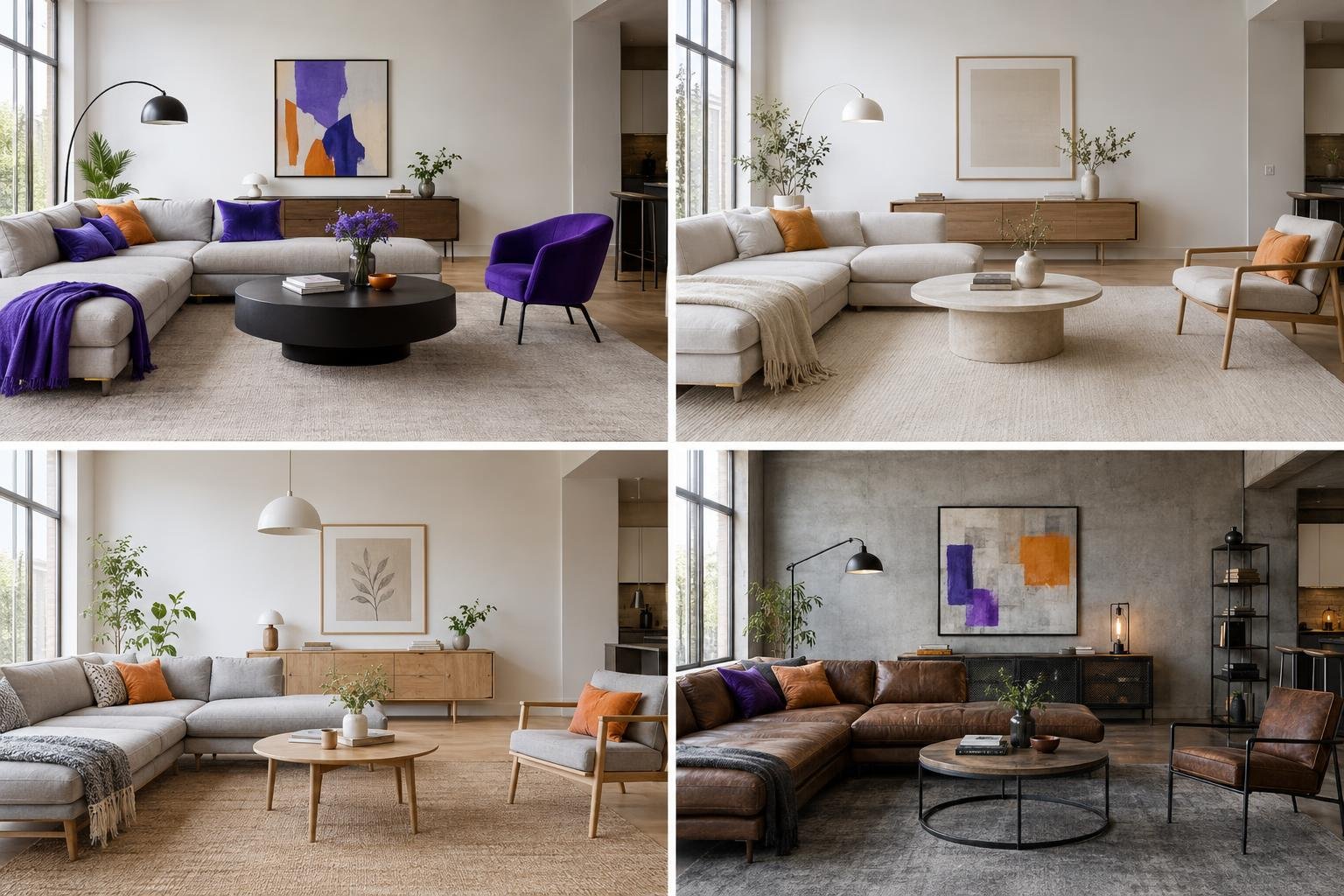
- Modern
- Minimalist
- Scandinavian
- Industrial
- and more
Try a calm Scandinavian living room, a pared-back minimalist room design or a raw industrial loft interior, all from the same photo.
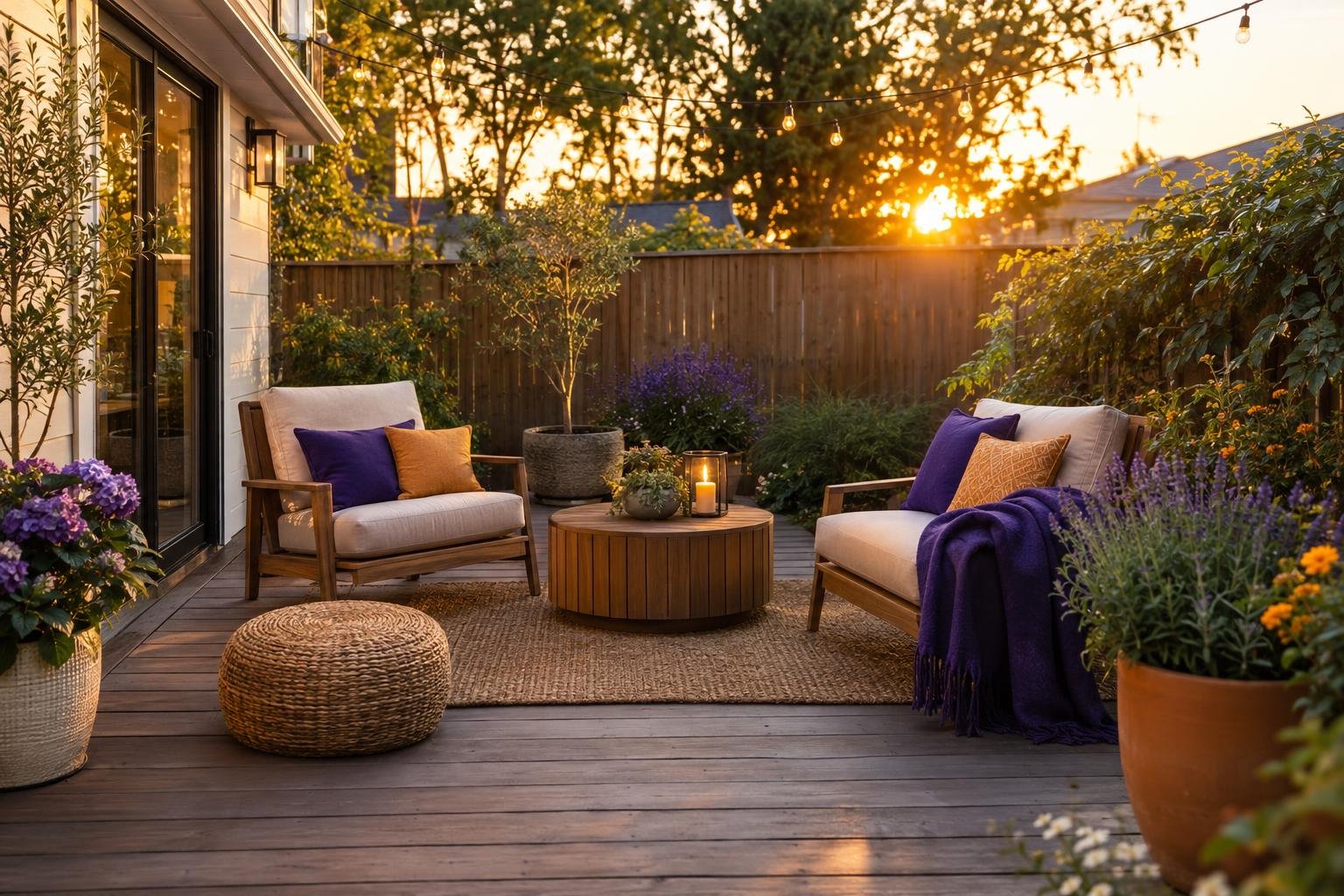
Does Roomwisp work on patios and backyards too?
Yes. Roomwisp works from a single phone photo of any space, indoors or outdoors, not only living rooms.
- Bedrooms, kitchens and living rooms ready for a makeover
- Backyards, patios and balconies reimagined from one photo
- Empty rooms in a new home, before the first box is unpacked
- Any corner you want to see in a fresh style
Play with ideas, keep the ones you love
Roomwisp lets you save favorite designs, explore more variations and share them with anyone, so trying ideas stays easy and pressure-free.
Save favorites
Keep the designs that catch your eye in one place, ready to revisit whenever you plan your next step.
Explore variations
Not quite right? Generate more variations of your space and compare different takes on the same style.
Share designs
Send a redesign to a partner, roommate or friend and decide together what your space should become.
Who is Roomwisp for?
Roomwisp is for anyone who wants to visualize a room before decorating, whether you own, rent or simply love design.
Homeowners
Planning a redesign or renovation and want to see the direction before committing.
Renters
Looking for decorating ideas that make a rented space feel like your own.
New movers
Moving into a new home and picturing how each empty room could look.
Design enthusiasts
Exploring styles for fun and collecting ideas for every kind of space.
What happens to my room photos?
Original room photos are kept out of public galleries. We store and process them to provide your designs, including AI analysis and safety checks. New accounts have public design visibility turned off; you can manage it in Settings.
- Original photos stay out of public galleries
- Manage public design visibility in Settings
- Designs are for inspiration, not architectural planning
Frequently asked questions
What is Roomwisp?
Roomwisp is an AI interior design app for iPhone. You take a photo of a room, outdoor area or any space, pick a design style, and get photorealistic visualizations of how it could look.
Which design styles can I choose?
Roomwisp offers curated design styles including modern, minimalist, Scandinavian, industrial and more.
Can Roomwisp redesign outdoor spaces like a patio or backyard?
Yes. Roomwisp works from a single phone photo of any space, indoors or outdoors, including patios and backyards.
Can I use Roomwisp designs for renovation or construction plans?
No. Roomwisp results are for inspiration, not architectural planning.
Are my photos private?
Original room photos are kept out of public galleries. We store and process them to provide your designs, including AI analysis and safety checks. New accounts have public design visibility turned off; you can manage it in Settings.
More answers on the FAQ page.
Ready to see your space in a new light?
Roomwisp is coming soon on iPhone. Ask us about availability while you explore design ideas. Results are for inspiration, not architectural planning.